
Quick guide
- Open the BioPulse app
- Go to Settings → Basic settings → Link Health Connect.
- Tap Allow access
- The Health Connect screen appears: tap Allow all.
- Done: BioPulse syncs everything your watch or your training apps write into Health Connect.
- So BioPulse can read all of your activity, make sure the other apps you use (Garmin Connect, Samsung Health, Zepp, Polar Flow, Strava…) have write permission in Health Connect. See how to grant write permission in Health Connect
What is Health Connect?
Health Connect is the health store built into Android and the official successor to Google Fit. Every fitness app writes what it measures into Health Connect —Garmin Connect, Samsung Health, Zepp, Polar Flow, Strava— each one on its own, and everything stays encrypted inside the phone, without passing through any cloud.
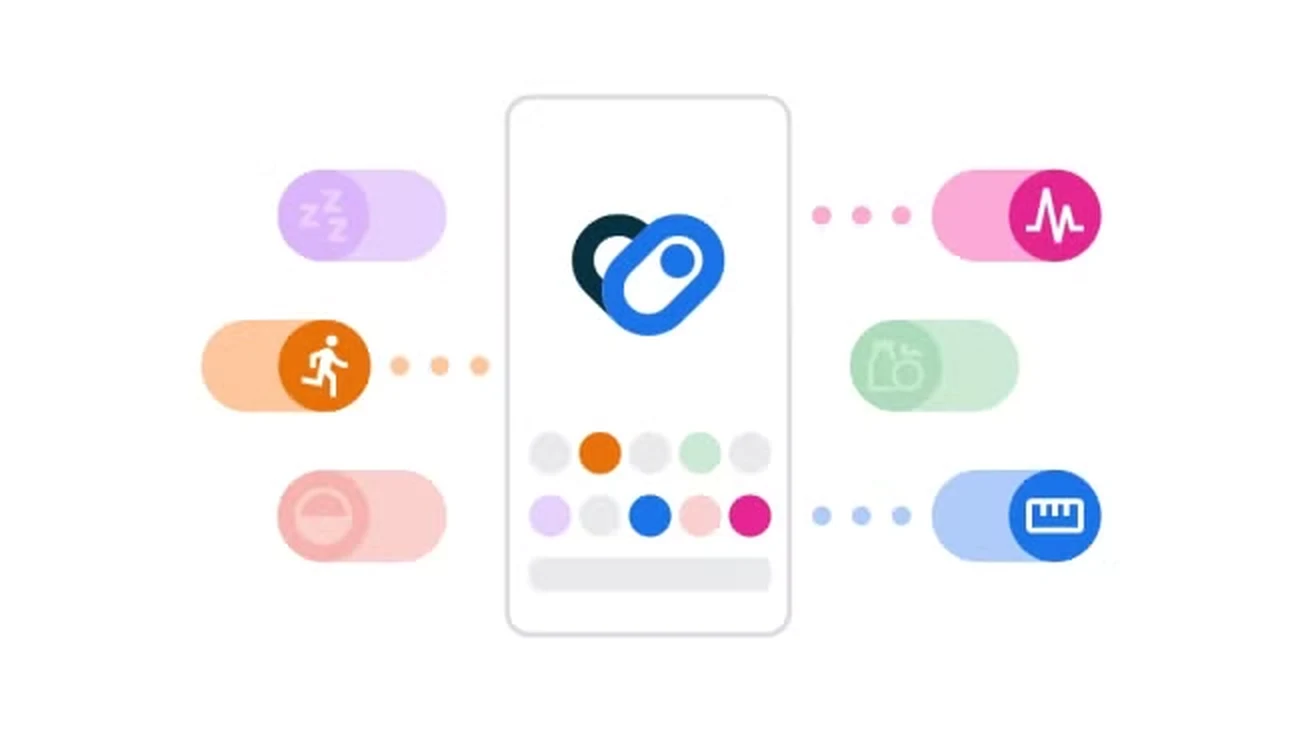
Thanks to that, BioPulse does not have to connect to each of those apps separately; BioPulse only has to read the data already stored in Health Connect. It is exactly the same role Apple Health plays on the iPhone.
1 Why sync BioPulse with Health Connect

The big advantage of going through Health Connect is that every workout recorded with a compatible app or wearable lands straight in BioPulse. BioPulse does not need a deal with each brand: if an app writes into Health Connect, that app's data reaches BioPulse.
Compatible apps
- Samsung Health
- Garmin Connect
- Zepp (Amazfit)
- Polar Flow
- Strava
- Fitbit
- Withings Health Mate
- Suunto App
- COROS
- Oura
- Peloton
- Komoot
- adidas Running
- Runna
- MyFitnessPal
- Hevy, Strong and other strength apps
 Samsung Health
 Garmin Connect
 Zepp
 Polar Flow
 Strava
 Fitbit
 Withings Health Mate
 Suunto App
 COROS
 Oura
 Peloton
 Komoot
 adidas Running
 Runna
 MyFitnessPal
 HevyStrong and other strength appsSamsung HealthGarmin ConnectZeppPolar FlowStravaFitbitWithings Health MateSuunto AppCOROSOuraPelotonKomootadidas RunningRunnaMyFitnessPalHevyStrong and other strength apps
Compatible wearables
- Galaxy Watch
- Garmin
- Polar
- Suunto
- COROS
- Amazfit
- Whoop
- Oura
- Withings
- Fitbit
- Xiaomi
- Wear OS
- Pixel Watch
Galaxy WatchGarminPolarSuuntoCOROS Amazfit
 WhoopOuraWithingsFitbit
 Xiaomi
 Wear OS
 Pixel WatchGalaxy WatchGarminPolarSuuntoCOROSAmazfitWhoopOuraWithingsFitbitXiaomiWear OSPixel Watch
Write permission carries one consequence worth understanding from the start, because it causes the most confusion: data arriving through Health Connect arrives after the workout, never during the workout. To join a live class, with the studio screen updating beat by beat, your device —chest strap, armband or watch— needs the «Broadcast heart rate over Bluetooth» feature switched on. Health Connect and Bluetooth broadcasting are not rivals: Health Connect builds your history and Bluetooth broadcasting feeds the live class. Most people end up using both.
| What it does | What it does not do |
|---|---|
| Import workouts already recorded by another watch or app | Provide real-time heart rate for a live class |
| Bring in heart rate, HRV, steps, calories and sleep | Write anything into Health Connect: BioPulse only reads |
| Import the last 90 days when Health Connect is linked | Recover years of history older than those 90 days |
| Work with Garmin, Samsung, Polar, Whoop, Strava… | Replace a chest strap when accuracy matters |
2 Why Google Fit no longer works
Google shut down the Google Fit APIs and moved all Android health data to Health Connect. Since Android 14, Health Connect is not an app you install but a piece of the operating system, included by default. The role is the same one Google Fit played —being the phone's central health store— with one important change: the data stays encrypted on the phone instead of going up to Google's cloud.
| Google Fit | Health Connect |
|---|---|
| Separate app, data in the cloud | Part of Android, data on the phone |
| API closed to third parties | Open, standard system API |
| Any app could read the whole history | Each app reads 30 days, or the whole history with the history permission |
| Discontinued | What BioPulse uses on Android |
3 How to check whether your phone has Health Connect
Health Connect is Android-only: built in from Android 14, and installed from the Play Store on Android 9 to 13.
- 1
Android 14 or newer: you already have it
Health Connect is part of the system. Find Health Connect under Settings → Security and privacy → More privacy settings → Health Connect.
- 2
Android 9 to 13: install it
Search for «Health Connect by Android» in the Play Store. BioPulse also offers a direct install button when it detects Health Connect is missing.
- 3
Android 8 or older: not available
Health Connect does not reach that far back. BioPulse shows the message «Health Connect is not available».
4 How to sync the rest of your health apps with Health Connect
Granting write permission to your other apps is the step everyone skips, and it explains 90% of the «I connected BioPulse and nothing shows up» cases.
Health Connect is an empty mailbox until another app drops data inside. Linking BioPulse only hands BioPulse the key to open the mailbox: if your watch app drops nothing in, BioPulse has nothing to read no matter how many permissions it holds.
- 1
Open Health Connect and go to App permissions
Health Connect lists every app that has ever asked for access.
- 2
Find your watch app and turn on write permission
Garmin Connect, Samsung Health, Zepp, Polar Flow, Amazfit, Strava… Each app has its own switch and no app comes switched on by default.
- 3
If the app is not in the list, enable Health Connect from that app
Many apps hide the setting inside their own preferences, under «Health Connect» or «Connect to Health Connect». Once the setting is on, the app appears in the list.
5 How to link BioPulse with Health Connect step by step
- Open the BioPulse app
- Go to Settings → Basic settings → Link Health Connect.
- Tap Allow access
- The Health Connect screen appears: tap Allow all.
- Done: BioPulse syncs everything your watch or your training apps write into Health Connect.
- So BioPulse can read all of your activity, make sure the other apps you use (Garmin Connect, Samsung Health, Zepp, Polar Flow, Strava…) have write permission in Health Connect. See how to grant write permission in Health Connect
- 1
Tap your avatar and open Basic settings
Top right, first row.
- 2
Turn on Link Health Connect
The system permission dialog opens.
- 3
Grant every read permission
Heart rate, HRV, exercise, steps, distance, calories and sleep. If your phone offers it, grant the history access permission too: that is the one that lets BioPulse import more than 30 days.
- 4
Check your history
Imported workouts arrive with their source label, so they are easy to tell apart from the sessions you recorded inside BioPulse.
6 Which permissions BioPulse needs and what each one is for
Every permission BioPulse asks for is a read permission. BioPulse writes nothing into Health Connect.
| Permission | What BioPulse uses it for |
|---|---|
| Heart rate, HRV and resting heart rate | The basis of PulseScore, of the training zones and of the recovery status. Without these three permissions almost nothing works. |
| Exercise sessions | Without this permission no workout comes in. BioPulse still reads loose heart-rate readings, but not the sessions with their start, their end and their sport type. |
| Steps and distance | Daily activity volume, beyond the workouts themselves. |
| Active calories, total calories and basal metabolism | The energy cost of each session and the accumulated load of the week. |
| Sleep | The next day's recovery reading and the accumulated-fatigue warning. |
| History access | Lets BioPulse read beyond the last 30 days. Optional: if you deny it, BioPulse works the same with a 30-day window. |
The six permissions above are all read permissions. BioPulse writes nothing into Health Connect: the sessions you record with BioPulse are stored in your BioPulse account, not in the Android health store.
7 How much history BioPulse imports from Health Connect
When Health Connect is linked, BioPulse imports the last 90 days. If history access permission is not granted, Health Connect trims that read to the last 30 days.
BioPulse always asks for the last 90 days of workouts, metrics and sleep. Health Connect decides how much it actually hands over: by default, Health Connect lets any app read only the last 30 days and silently drops everything older. Lifting that cap takes a separate permission, history access, which Health Connect offers in the same permission dialog. With history access granted the full 90 days come in; without it, 30 days come in.
- The 30-day cap is not a BioPulse decision: it is the restriction Health Connect applies to every app without history permission.
- History access permission only exists on phones with an up-to-date Android. On older phones Health Connect does not offer it and the window stays at 30 days.
- Denying history permission breaks nothing: BioPulse links all the same and syncs normally from that moment on.
- No data is lost: your full history stays intact in Garmin Connect, Samsung Health or whichever app recorded each workout.
- Every later sync rechecks the previous 30 days, because apps like Samsung Health or Polar Flow write workouts with backdated timestamps.
- The sooner you link BioPulse, the smaller the gap in your history.
8 What to do when no data reaches BioPulse
| What you see | What to do |
|---|---|
| BioPulse says Health Connect is connected, but the history stays empty | The problem is in the source app. Open Health Connect → App permissions and confirm your watch app has write permission switched on. This is by far the most common cause. |
| Only steps and calories come in | The exercise and heart-rate permissions are missing in the source app. Check the permissions one by one, rather than trusting the «allow all» you tapped months ago. |
| Workouts show up late | Each app syncs at its own pace and Health Connect forces no app. Opening your watch app right after a workout cuts the wait a lot. |
| You want to cut off BioPulse's access | From Health Connect → App permissions you can revoke any permission whenever you want, without uninstalling BioPulse or losing the sessions already synced. |
9 Can I use my Android watch as a sensor in a class?
You can use your watch in a live class if the watch can broadcast heart rate over Bluetooth. Watches that cannot broadcast only feed your history.
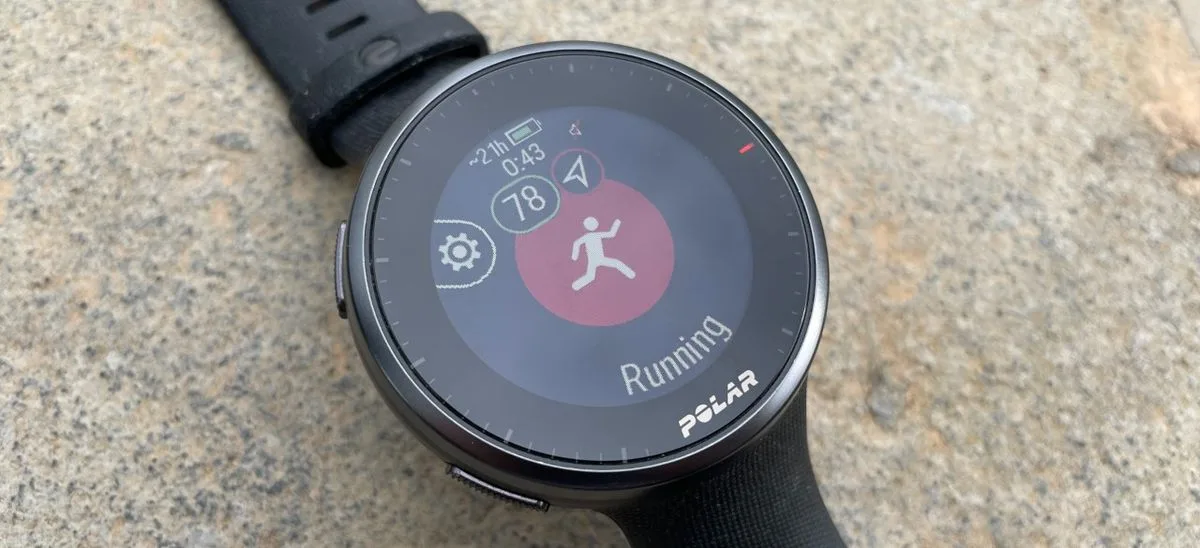
Health Connect only moves workouts that are already recorded. For your heart rate to reach the studio screen while the class is running, the device on your body has to broadcast heart rate over Bluetooth live, and not every device includes that feature.
- Chest straps and optical armbands (Polar, Wahoo, Coospo, Decathlon, Garmin HRM): they always broadcast. This is the gear gyms use, and it is all in the Bluetooth sensor guide.
- Garmin watches: they broadcast without trouble. Turn broadcasting on as explained in the Garmin in classes guide.
- Polar, COROS, Suunto, Amazfit and Whoop: most of their models broadcast too. Look for the feature in the device menu as «Broadcast heart rate», «HR broadcast» or «Broadcast».
- Pixel Watch 2 or newer: these do broadcast. Open the quick settings and go into Connected Fitness. The first-generation Pixel Watch does not broadcast.
- Galaxy Watch and the rest of Wear OS watches: they do not broadcast heart rate to other apps. They record the workout so it later arrives through Health Connect, but they do not work for the live class.
Frequently asked questions
Does Health Connect upload my data to Google?
No, and that is the big difference from Google Fit. Health Connect keeps the data encrypted on the phone itself and acts only as a go-between for apps. Google does not see it.
Can I use BioPulse on Android without Health Connect?
Absolutely. You record sessions with a Bluetooth strap and join classes perfectly normally. The only thing you miss is automatic import of what you do with other apps.
What happens if I uninstall my watch app?
New data stops arriving in Health Connect, so BioPulse stops importing workouts from that app. The sessions already in BioPulse stay in your BioPulse account.
Why do I only see one month of old workouts?
Because history access permission is missing. BioPulse asks for 90 days, but Health Connect trims the read to 30 days for any app without that permission. Check it in Health Connect → App permissions → BioPulse.
Does it work on any Android phone?
On almost all of them. Health Connect is an Android standard: Xiaomi, OnePlus, Motorola, Oppo, Honor or Nothing ship it with Android 14 or newer, and on Android 9 to 13 it installs from the Play Store. The exception is phones without Google services, such as recent Huawei models, which run their own ecosystem and have no Health Connect. On iPhone the equivalent is Apple Health.
Can I see exactly what BioPulse has read?
Yes, and it is worth a look now and then. Health Connect keeps a per-app access log showing what was read and when.
Keep reading
The other ways to connect your gearDownload BioPulse and connect it in a minute
Free, for iPhone and Android. Link it today and your next session analyses itself.