Quick guide
- Open the BioPulse app
- Go to Settings → Basic setup → Link Apple Health.
- Tap Allow access
- The Apple Health screen appears: tap Turn On All.
- Done: BioPulse will sync everything your Apple Watch, Garmin or any training app writes to Health.
What is Apple Health?
It is the Health app that comes built into every iPhone, and it works as a central store: every workout you record with your Apple Watch, your Garmin, Strava or Whoop leaves its measurements there, each one on its own.
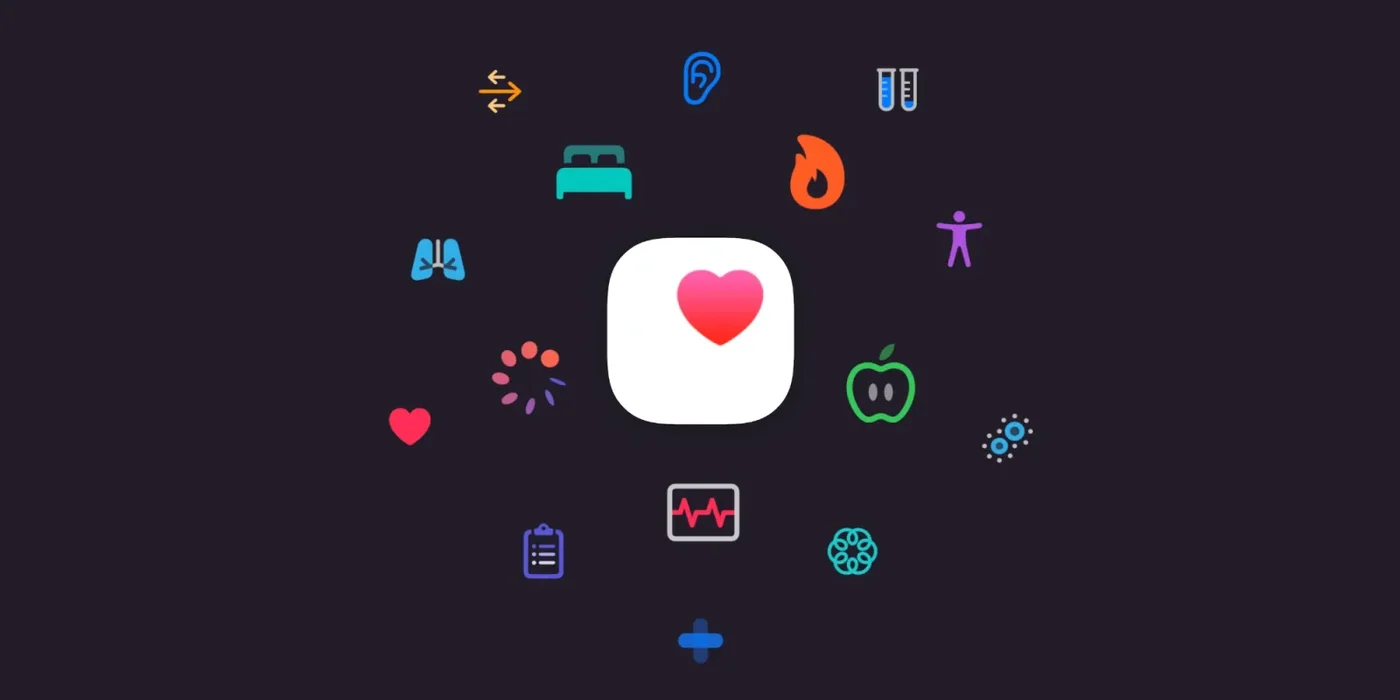
That is why BioPulse does not need to connect to each of those apps separately; it only has to read what is already stored in your Apple Health account.
1 Why syncing with Apple Health is worth it
The big advantage of going through Apple Health is that every workout recorded by an Apple Health–compatible app or wearable flows straight into BioPulse. BioPulse does not need a deal with each brand: if the app writes to Health, its data arrives.
Compatible apps
- Strava
- Nike Run Club
- adidas Running
- Runna
- Zwift
- Peloton
- Wahoo (Wahoo Fitness and SYSTM)
- Komoot
- MapMyRun and MapMyFitness
- Freeletics
- Les Mills+
- Hevy, Strong and other strength apps
- Concept2 ErgData
- Apple Fitness+
 Strava
 Nike Run Club
 adidas Running
 Runna
 Zwift
 Peloton
 Wahoo
 KomootMapMyRun and MapMyFitness
 Freeletics
 Les Mills+
 HevyStrong and other strength apps
 Concept2 ErgData
 Apple Fitness+StravaNike Run Clubadidas RunningRunnaZwiftPelotonWahooKomootMapMyRun and MapMyFitnessFreeleticsLes Mills+HevyStrong and other strength appsConcept2 ErgDataApple Fitness+
Compatible wearables
- Apple Watch
- Garmin
- Polar
- Suunto
- COROS
- Amazfit
- Whoop
- Oura
- Withings
- Coospo
- Wahoo (TICKR, RIVAL)
- Decathlon (Kiprun, Coach)
 Apple Watch
 Garmin
 Polar
 Suunto
 COROS
 Amazfit
 Whoop
 Oura
 Withings
 CoospoWahoo
 DecathlonApple WatchGarminPolarSuuntoCOROSAmazfitWhoopOuraWithingsCoospoWahooDecathlon
Anything arriving through Apple Health arrives after the workout, never during the workout. To join a live class, with the studio screen updating beat by beat, your device —chest strap, armband or watch— must have «Broadcast heart rate over Bluetooth» switched on. Apple Health and Bluetooth broadcasting do not compete: Apple Health builds your history and the broadcast feeds the live class. Most people end up using both.
| What it does | What it does not do |
|---|---|
| Import workouts already recorded by another watch or app | Give live heart rate for a class in progress |
| Bring in heart rate, HRV, calories and sleep | Recover years of history: only what Health already had is imported |
| Work with Garmin, Polar, Whoop, Strava, Nike… | Replace a chest strap when accuracy matters |
2 Linking BioPulse to Apple Health, step by step
Option 1. If you have just installed the app, grant Apple Health permission in the welcome wizard.
Option 2. If you declined the Apple Health permissions during setup, follow these steps:
- Open the BioPulse app
- Go to Settings → Basic setup → Link Apple Health.
- Tap Allow access
- The Apple Health screen appears: tap Turn On All.
- Done: BioPulse will sync everything your Apple Watch, Garmin or any training app writes to Health.
- 1
Open BioPulse and tap your avatar
Top right. Everything to do with your account lives in there.
- 2
Go into Basic setup
First row of the list. That is the screen where the integration switches live.
- 3
Turn on Link Apple Health
The moment you tap it, iOS takes over and shows its own permission screen. That one is Apple's, not ours.
- 4
Tap “Turn On All”
It sits top right and is easy to miss, because it looks more like a link than a button. You can tick categories by hand, but if you skip heart rate the app is crippled.
- 5
Go back and check your history
If you already had workouts stored in Health, they should show up within seconds, labelled Apple Health.
3 What each permission is for
Each permission powers a specific feature of the app.
| Permission | What breaks if you leave it off |
|---|---|
| Heart rate and HRV | Almost everything. It is the basis of PulseScore, of the zones and of your recovery status. |
| Workout sessions | The import. You will still see loose heart-rate data, but not the workouts you recorded with another watch. |
| Energy and calories | The expenditure of each session and your accumulated weekly load. |
| Sleep analysis | The next day's recovery reading and the accumulated-fatigue warning. |
All of this is read permission. In the other direction, BioPulse only writes to Health the sessions it records with you, and marks them as its own so it does not end up duplicating them the next time it reads.
4 The sessions tab is empty
Here are the most likely causes:
| Symptom | Fix |
|---|---|
| Permissions denied | iOS never asks again, so you have to do it by hand: iPhone Settings → Health → Data Access & Devices → BioPulse. |
| The switch is on but nothing arrives | Check that your watch is really writing. Under Health → Browse → Heart Rate → Show All Data you should see entries with its name. If there is nothing there, the problem is upstream. |
| I can see the sessions but no heart rate (HR) | Option 1: the HR permission is off. Option 2: some third-party apps and wearables do not store the full heart-rate series, only a summary. Record your workouts directly with BioPulse to keep the complete series. The other apps lose nothing, because they also read from Apple Health. |
| Older workouts are missing | BioPulse automatically syncs the last 90 days of training. If one you can see in the Health app is missing, uninstall and reinstall. If the session is not in the Health app, BioPulse cannot read it. |
5 Can I use the Apple Watch as a sensor?
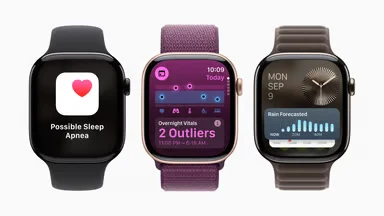
You can use an Apple Watch to record your workouts, both from Apple's Workout app and from the BioPulse app for Apple Watch.
Apple does not let the watch broadcast your heart rate over Bluetooth to other apps, something a Garmin does without trouble. Without that broadcast, there is no way for your heart rate to reach the studio screen while the class is running.
- Training on your own: install BioPulse on the watch from the iPhone's Watch app and, under Pair sensor, pick Apple Watch. It works perfectly as a heart-rate monitor.
- In class: grab a strap from the gym or use your own — it is all in the Bluetooth sensor guide. Your Watch workout will still come through Apple Health afterwards, so you lose nothing.
Frequently asked questions
Do I have to open BioPulse for it to sync?
No. Once permission is granted, iOS wakes the app when there is new data and syncing happens in the background. Opening it only speeds things up when you are impatient to see a workout.
If I unlink, do I lose my data?
No. Apple Health remains the source and keeps everything. Unlinking stops the reading, nothing more. Sessions already in BioPulse stay where they are.
Do I need my iPhone with me when I train?
Not for syncing: your watch stores the workout and uploads it next time it sees your phone. You do need it if you are using a Bluetooth sensor live, because then the phone is what receives the signal.
Does it work with Whoop, Oura or Strava?
It works with any app that writes to Apple Health, so yes. If they have Health writing enabled, their data reaches BioPulse just like a watch's.
Can I enable heart rate only?
You can, and it is the minimum for PulseScore and zones. What you lose is the recovery reading, which leans on sleep and HRV.
Keep reading
The other ways to connect your gearDownload BioPulse and connect it in a minute
Free, for iPhone and Android. Link it today and your next session analyses itself.